
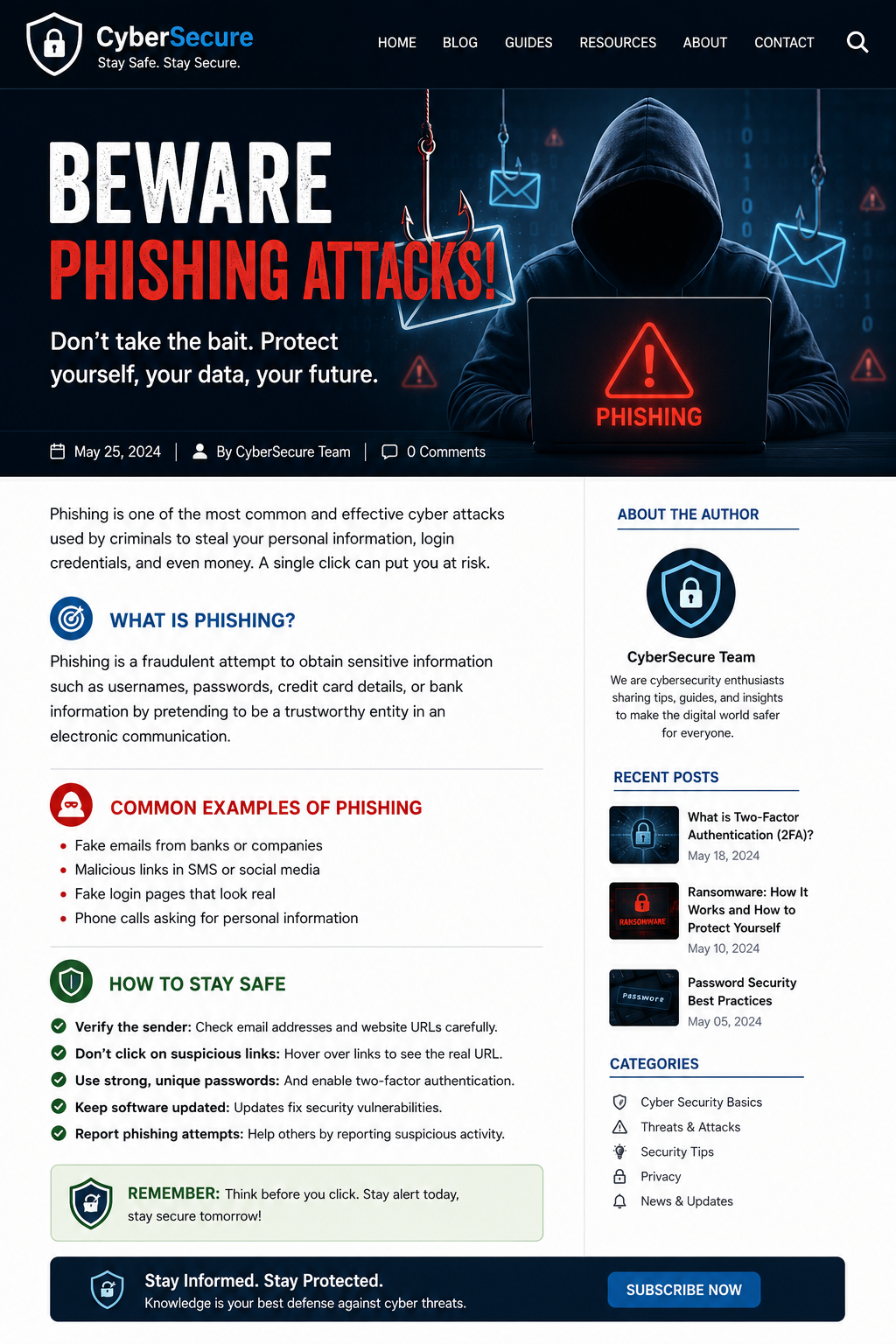
Have you ever received a message saying:
- "Your bank account will be blocked today."
- "Click here to claim your prize."
- "Your parcel couldn't be delivered. Pay ₹20 now."
These messages may look real, but they are often phishing scams.
Every day, thousands of people lose their money, social media accounts, or personal information because they trust fake emails, SMS messages, or websites.
The good news? With a little awareness, you can easily protect yourself.
What Is Phishing?
Phishing is an online scam where criminals pretend to be someone you trust.
They may act like:
- Your bank
- Amazon or Flipkart
- A courier company
- A government office
- Even your office or workplace
Their goal is simple:
To trick you into giving away your personal information or money.
A Real-Life Example
Imagine you receive this SMS:
"Your SBI account has been suspended. Verify now: www.sbi-security-update.com"
The website may look exactly like the real SBI website.
If you enter:
- Internet Banking password
- Debit card details
- ATM PIN
- OTP
The scammer immediately gets your information.
Within minutes, your money could disappear.
Another Common Scam
You receive a WhatsApp message:
"Congratulations! You won a brand-new iPhone. Click here to claim it."
Excited, you click the link.
The website asks for:
- Your phone number
- OTP
- Card details
- Processing fee
Instead of receiving an iPhone, you may lose your account or money.
How to Identify a Phishing Message
Be careful if a message:
- Creates panic or urgency
- Says "Act now!"
- Promises free gifts
- Asks for OTP or passwords
- Comes from an unknown number
- Contains strange website links
- Has spelling or grammar mistakes
- Looks different from previous official messages
If something feels suspicious, trust your instincts.
Never Share These Details
No genuine company will ask for:
- OTP
- ATM PIN
- Internet Banking Password
- UPI PIN
- CVV Number
- Credit Card Password
If anyone asks for these details through phone, SMS, email, or WhatsApp—
It's almost certainly a scam.
Before Clicking Any Link
Ask yourself these simple questions:
✔ Did I expect this message?
✔ Do I know the sender?
✔ Is the website address correct?
✔ Is this offer too good to be true?
✔ Why are they asking me to act immediately?
If you're unsure—
Don't click.
How to Stay Safe
Visit the Official Website
Instead of clicking a link from a message, open your browser and type the company's official website yourself.
Check the Website Address
Fake websites often look almost identical.
For example:
Real:
Fake:
One small difference can make a huge difference.
Never Share OTP
Your OTP is like the key to your bank account.
Share it with no one—not even someone claiming to be from the bank.
Use Strong Passwords
Avoid passwords like:
- 123456
- password
- yourname123
Use unique passwords for important accounts.
Keep Your Phone Updated
Software updates often fix security problems.
Don't ignore update notifications.
Think Before You Click
Most phishing attacks succeed because people react quickly without checking.
Take 30 seconds.
Read carefully.
Think carefully.
Then decide.
What Should You Do If You Clicked a Fake Link?
Don't panic.
Follow these steps immediately:
- Disconnect from the suspicious website.
- Change your password.
- Contact your bank if financial details were entered.
- Block your debit or credit card if necessary.
- Enable Two-Factor Authentication (2FA).
- Scan your phone or computer using trusted antivirus software.
- Report the incident to the concerned organization.
The faster you act, the better your chances of staying safe.
Teach Your Family Too
Children and elderly people are common targets of online scams.
Spend a few minutes teaching them:
- Never share OTP.
- Never trust unknown links.
- Never send money to strangers.
- Always ask a family member if unsure.
Awareness is the best protection.
Final Thoughts
Phishing attacks don't rely on advanced hacking.
They rely on human trust.
The safest habit is simple:
Stop. Think. Verify.
A few extra seconds can save your money, your personal information, and your online accounts.
Stay alert. Stay informed. Stay cyber safe.